The Lock Most Businesses Never Turn
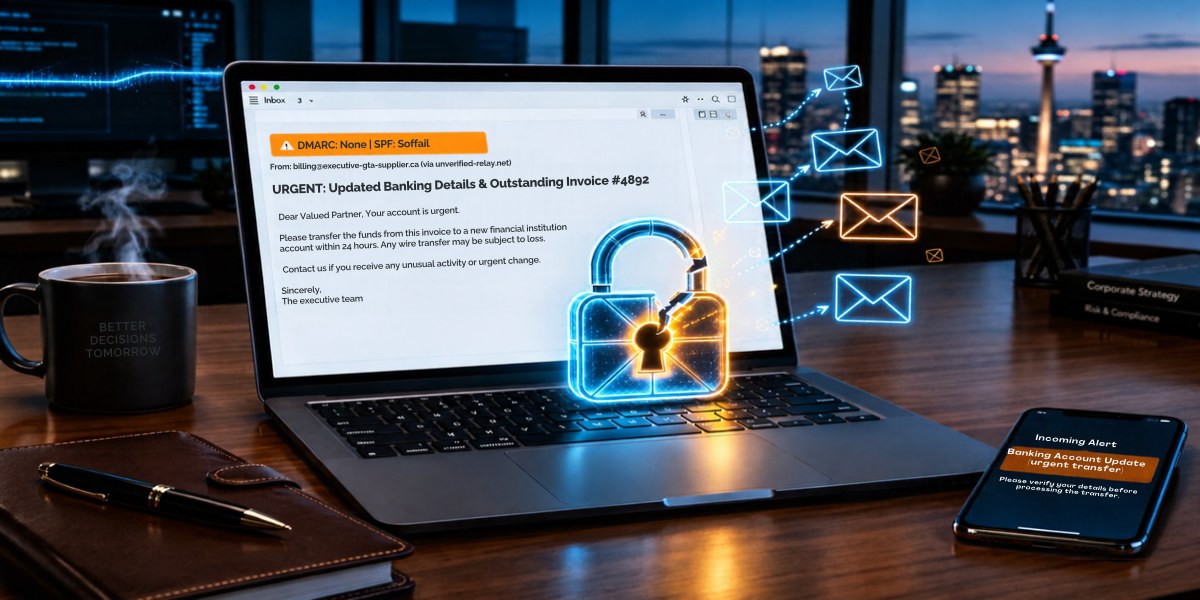
Image: Canva
A scan of 500 Greater Toronto Area business domains found only 20.7 percent enforce DMARC, leaving most open to forged emails such as fake bank-change requests. The article explains the setting and gives six low-cost steps to tighten it.
Four in five GTA companies still let scammers send emails in their name. Fixing it takes less time than most owners think.
A bookkeeper at one of your suppliers opens an email that appears to come from your accounts receivable address. It references a real purchase order, says your bank has changed, and asks that this month's payment go to a new account. The sender line shows your actual domain, not a lookalike. She updates the vendor record, the payment goes out on Friday, and you find out three weeks later, when you chase the unpaid invoice.
Nobody broke into your mailbox to do that. Ordinary email lets anyone type any address into the "From" line, and unless your domain tells the world's mail servers to refuse forgeries, many of those messages get delivered.
On October 31, we re-scanned the public DNS records of 500 Greater Toronto Area business domains, the same set we first checked on August 1. Of the 482 that receive email, 20.7 percent enforce DMARC, the setting that tells receiving servers to junk or refuse mail forged in a company's name. In August, the figure was 20.6 percent. Of the 481 domains that received mail in both scans, 465 had exactly the same DMARC status three months later.
Almost half (46.3 percent) have no DMARC record at all. Another 33.0 percent have one that is set to monitoring only. Eight domains added a record between the two scans, and every one of them chose the monitoring setting.
What the setting actually does
DMARC is a short line of text published in your domain's DNS, the public directory that tells the internet where your website and email live. It works alongside two older records. SPF is a list of the services allowed to send mail for your domain. DKIM is a digital signature your mail system stamps on each message. DMARC checks that a message passes one of those tests in a way that matches the address in the "From" line, then tells the receiving server what to do if it doesn't.
That instruction comes in three strengths. "p=none" means deliver it anyway and send me a report. "p=quarantine" means put it in junk. "p=reject" means refuse it outright. Only the last two would have kept the fake bank-change email out of your supplier's inbox. In our October scan, 8.5 percent of mail-enabled domains had reached reject.
DMARC has limits worth knowing. It does nothing about a lookalike domain with one letter changed, and it can't help if a criminal has your actual password.
Why businesses stop at "none"
Monitoring mode is meant to be a starting point. You publish p=none, read the reports for a few weeks, fix whatever legitimate mail is failing, then tighten the policy. In practice, many firms never take the second step.
The usual reason is fear. Owners worry that switching to quarantine will send their own invoices or payroll notices to customers' junk folders. That worry is reasonable. Most send email through more services than they realize, and any one not set up properly will fail once enforcement begins. Between August and October, one domain in our panel dropped from reject back to none, another from quarantine to none, and three removed their record entirely.
The other reasons are less dramatic. Nobody in the business owns the domain settings. A web designer or IT contractor put in a basic record years ago and moved on. In 2024, Google and Yahoo began requiring bulk senders to publish a DMARC record, and p=none is enough to meet that rule, so the box gets ticked, and nothing more happens. The reports meant to guide the next step often go nowhere, too. Of the 159 domains on p=none in our October scan, 89 had not asked for reports at all.
What to do this week
Most of this costs little or nothing.
1. Find out who controls your domain and DNS. It may be your web host, your registrar, an IT provider or a former employee. Get the login back into the company's hands.
2. Look up your current record. A free online DMARC lookup will show it in seconds.
3. List every service that sends email as your domain: your main mailbox platform, payroll, accounting and invoicing software, your CRM, your newsletter tool, website contact forms. Ask your staff. Someone always knows about one more.
4. Make sure each of those services is covered by your SPF record or signs its mail with DKIM for your domain.
5. If you have no record, publish one at p=none with a reporting address and read the reports for two to four weeks.
6. When the reports show your legitimate mail passing, move to quarantine. After a few more quiet weeks, move to reject.
Getting from none to reject is rarely a question of money. In my experience, it comes down to whether one person decides the job belongs to them and sees it through. If a supplier of yours ever receives that fake change-of-bank email, the first question will be whether your domain told the world to throw it away.
Study: GTA Business Email Security Q4 2026, a DNS scan of 500 GTA business domains on October 31, 2026. Method and aggregate data: https://itrapidsupport.com/resources/gta-email-security-q4-2026/
Nauman Khan is VP, Legal Technology at IT Rapid Support, a Vaughan-based IT and cybersecurity firm. He writes about email security and payment fraud for small and mid-sized businesses.